

Save time and eliminate guesswork to resubmit claims
Resubmitting Medicare claims using traditional FISS takes a lot of time, and a lot of keystrokes – 30, in fact.
Now compound that process with a sluggish computer or internet, a must-take phone call, or some other time-consuming interruption.
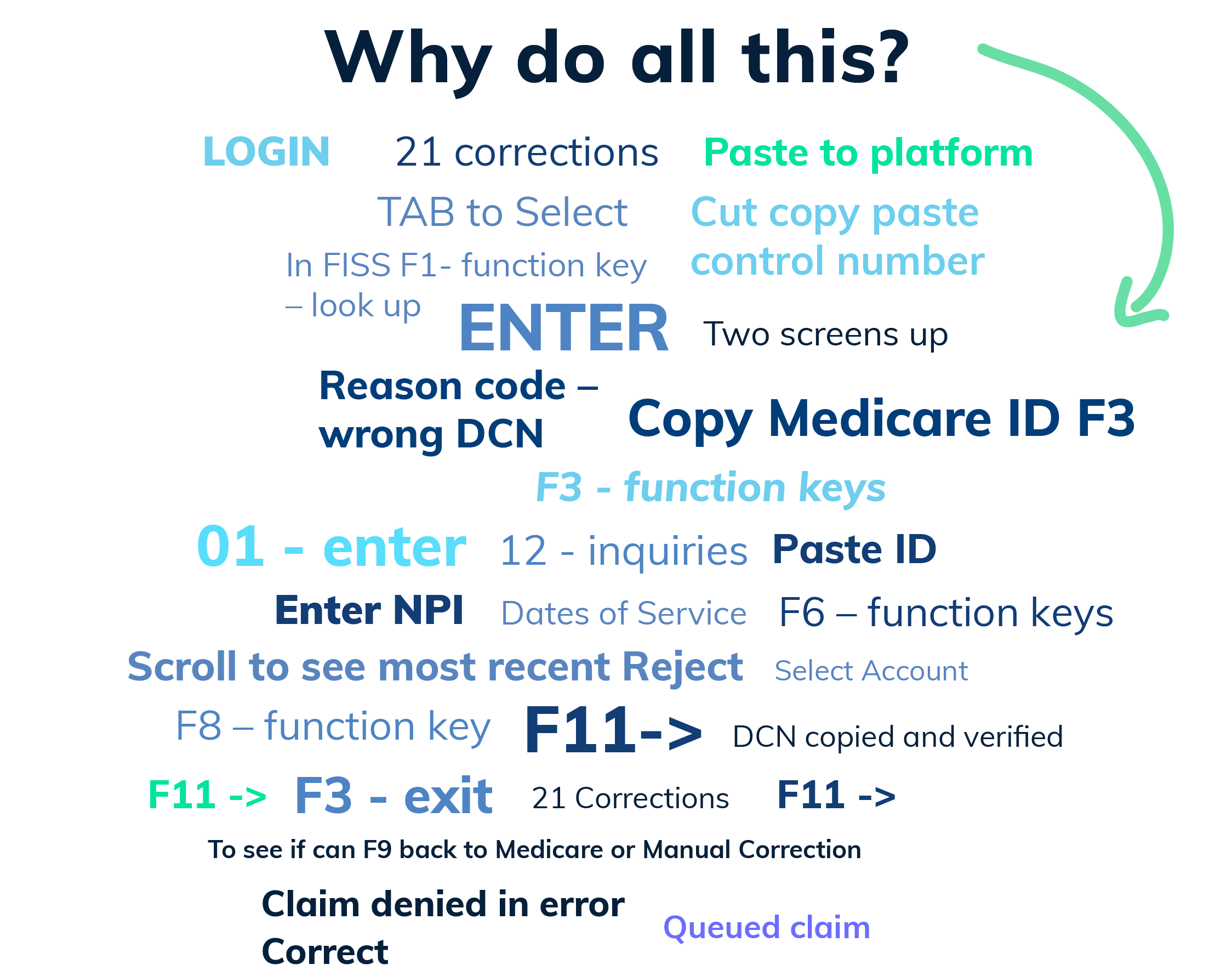
With Claims Management Medicare Pro, these speed bumps no longer matter because with only eight keystrokes, resubmitting those claims takes less time than ever.
When you can just do this:
- 1 Log in to Inovalon
- 2 Launch Claims
Management Medicare Pro - 3 Select “Advanced Search”
- 4 Paste PCN
- 5 Open Patient Information page
- 6 Select the wrench icon to
correct and open UB-04 - 7 Make corrections
- 8 Adjust or resubmit
How Inovalon Can Help
Simplify healthcare complexity with powerful revenue cycle software that streamlines workflows, saves time, and increases revenue.


